Accessing PeopleCode in Page Definitions
Page fields are associated with a specific record field. You can access the PeopleCode for that record field from the page field in the page definition. You might add PeopleCode to a field to achieve a variety of tasks, ranging from real-time editing of fields to altering the appearance of fields on a page. You can also associate PeopleCode with a component, component record, and component record field.
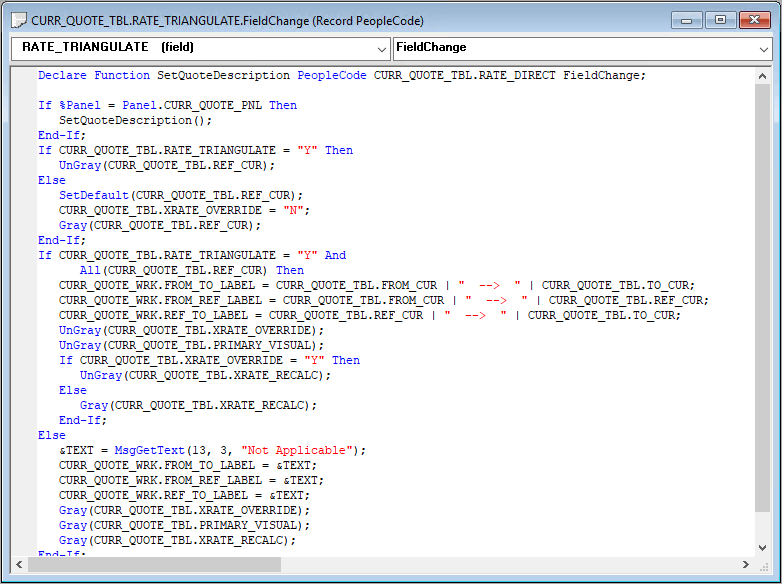
This example illustrates the fields and controls on the Editing PeopleCode.
To edit or add record field PeopleCode through a page definition:
-
Select to open the page definition through which you want to access PeopleCode.
-
Select the field on the page for which you want to view the associated PeopleCode.
-
Select
The PeopleCode editor appears, providing access to all of the PeopleCode for the record that owns that field.
-
Select the PeopleCode event type from the drop-down list box in the PeopleCode editor.
You can also select other fields in the primary record from that drop-down list box.
-
Select to save your changes.