Selecting Record Field Labels
Access the Record Field Properties dialog box.
This example illustrates the fields and controls on the Record Field Properties dialog box.
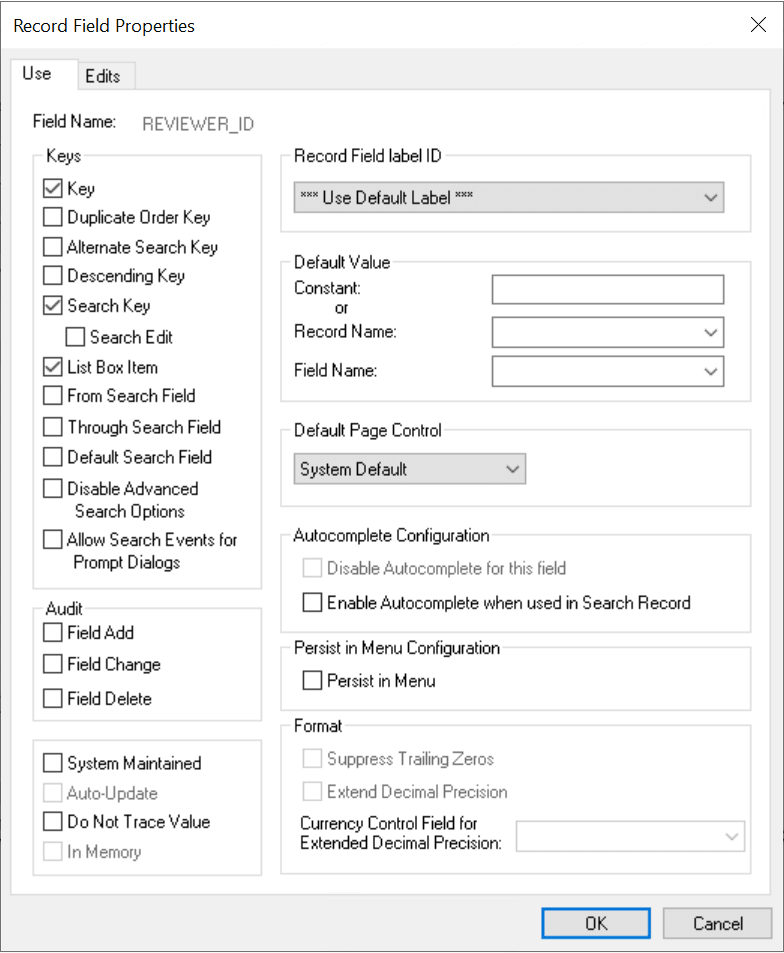
For the record definition, the Record Field label ID drop-down list box is available on the Use tab of the Record Field Properties dialog box. The drop-down list box displays the label ID, short name, and long name that you set in the field definition. The default selection is *** Use Default Label ***. The record field label changes automatically whenever you change the default label in the field definition.