What Component Definitions Manage
Component definitions manage:
-
Groupings of pages and their associated tab labels.
-
Search records that are used to retrieve data for the page.
-
Access keys for folder tab navigation.
-
Links at the bottom of a page.
-
The toolbar at the bottom of a page.
This example shows a sample component with multiple pages:
This example illustrates a sample component with multiple pages (tabs).
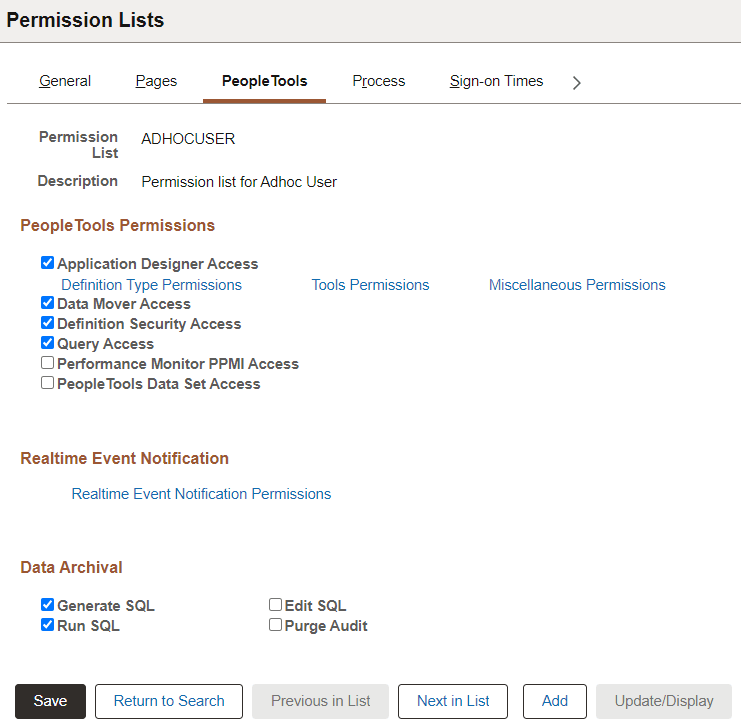
If a component contains more than one page, you can control which page appears first by setting the display order in PeopleSoft Application Designer. At runtime, the user navigates among the pages of a component by selecting:
-
Folder tabs at the top of the page.
-
Links at the bottom of the page.
-
Specified keyboard shortcuts (designated by the underscore in the label of the page tab).