Using the Keyword Search Page
If enabled for your PeopleSoft application, you can use the Keyword search page to perform a free-text search as an alternative to using the traditional Find an Existing Value search page when accessing a component.
This example illustrates the fields and controls on the Keyword Search page.
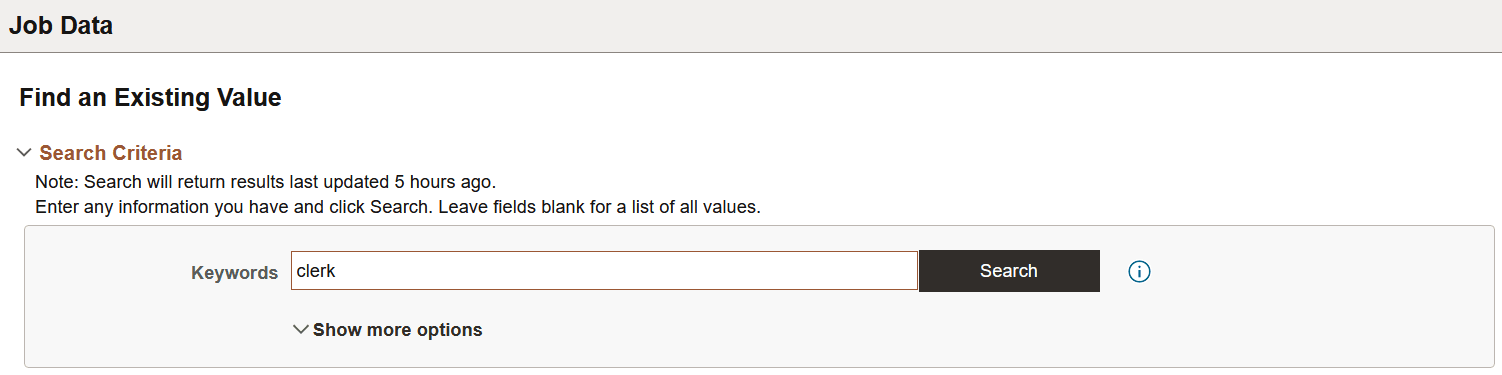
To use the Keyword Search page, add any keywords upon which you want to run your search, and click Search.
To display additional prompts for predefined search criteria, click Show more options.
Related Topics