Using Pop-up Links
Pop-up link buttons appear next to fields on a page.
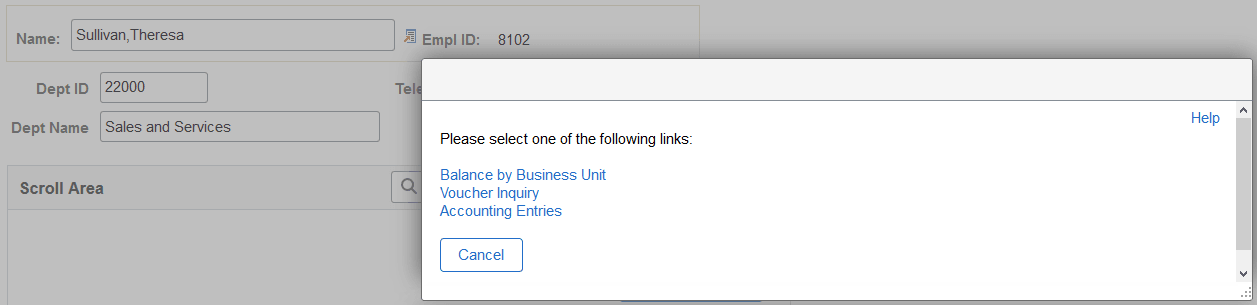
This example illustrates pop-up links next to the View Other Links button.
| Field or Control | Description |
|---|---|
|
|
Click the View Other Links button to open a modal window where you can select from among the links listed. Note: This icon appears if the pop-up links consist of more than one item. |
|
|
Click this button, labeled with the name of the single link, to execute the action of the link directly. Note: This icon appears if the pop-up links consist of only one item. |


Note:
In previous releases, these items were referred to as pop-up menus, but they are actually links.