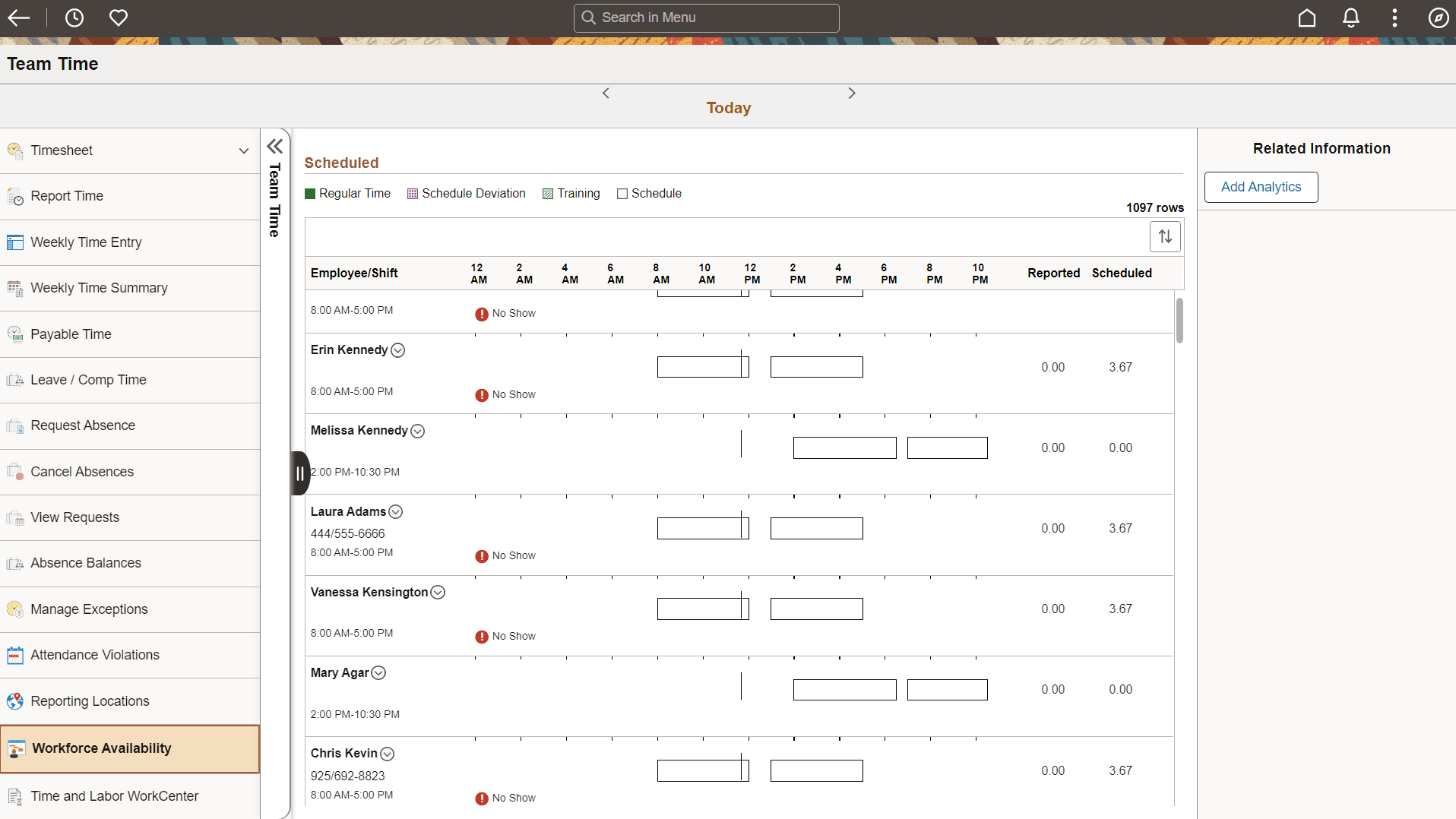
Working with the Slide-out Left Panel
The “slide-out” left panel is a feature that enables you to reveal the left panel of an outer, fluid wrapper (master/detail component, fluid activity guide, or fluid navigation collection) when the currently displayed component includes its own left panel.
When the slide-out left panel is enabled and an inner component without its own left panel is displayed, the left panel of the outer, fluid wrapper is displayed normally; there is no need for a slide-out left panel.
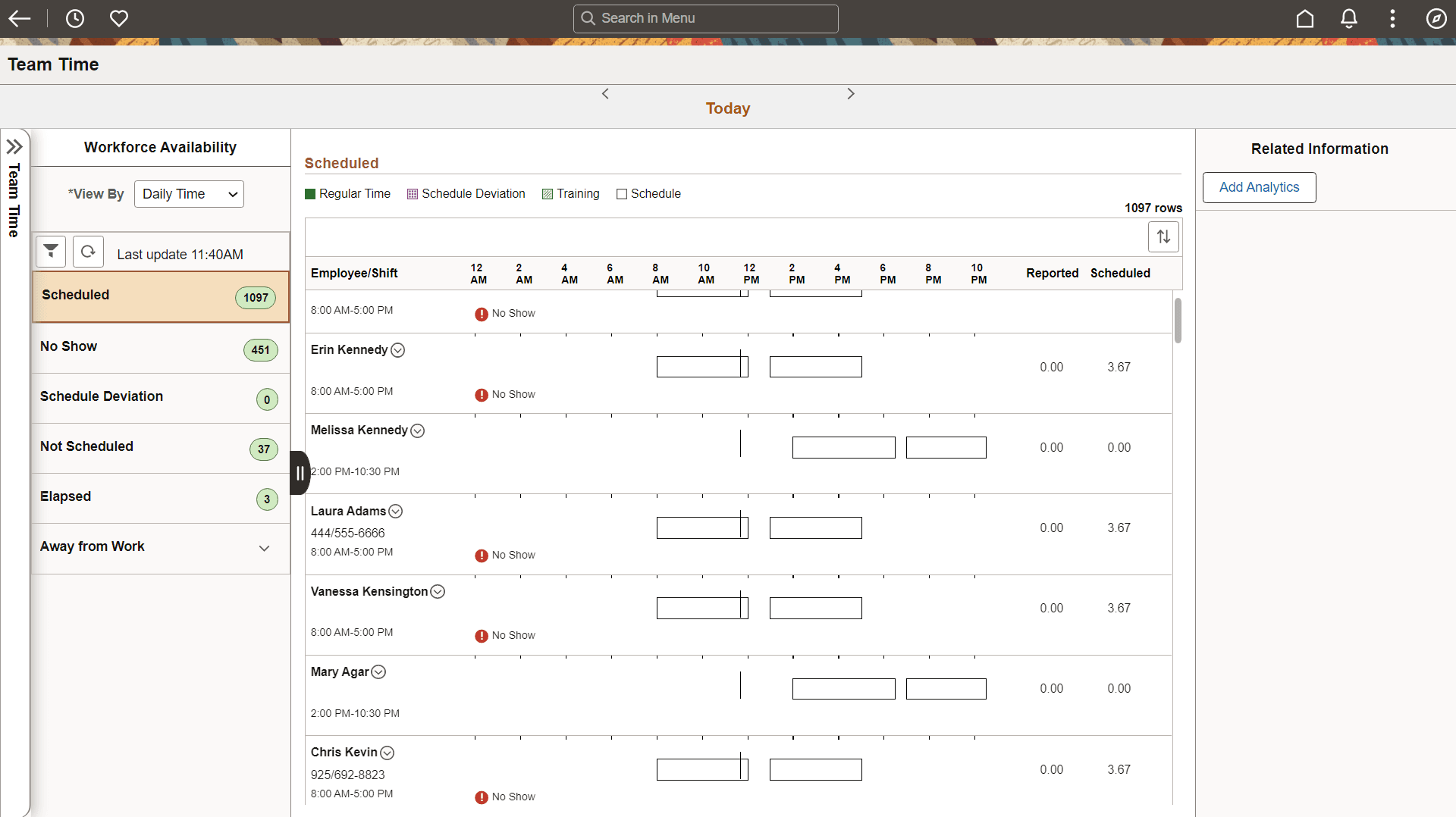
When the slide-out left panel is enabled and an inner component with its own left panel is displayed, the left panel of the outer, fluid wrapper is initially minimized as shown in the following example. The navigation links displayed are those from the inner component:
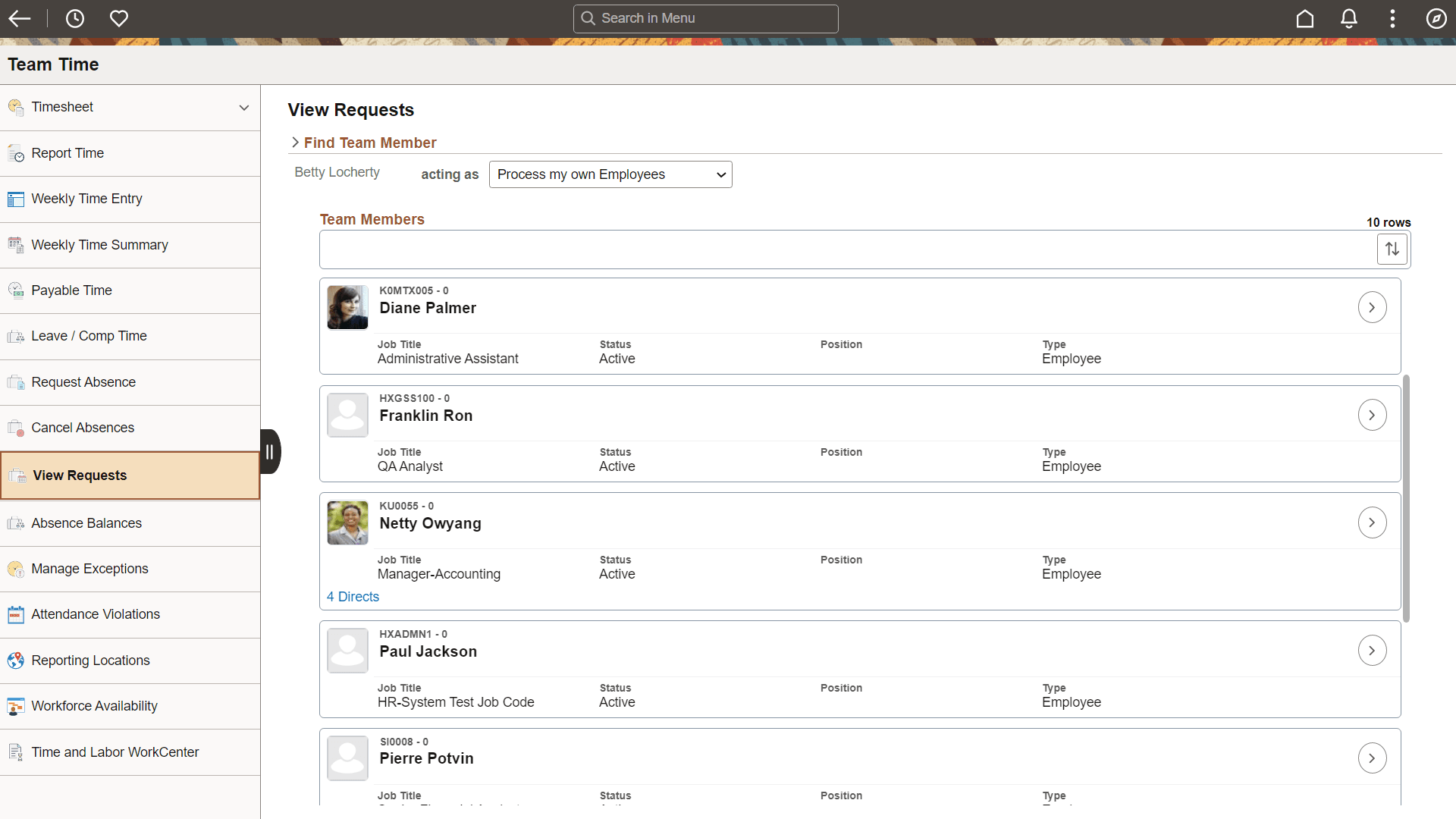
Clicking anywhere on the tab divider (labeled Detail, in this example) will slide open the left panel of the outer, fluid wrapper. The navigation links displayed are those from the outer, fluid wrapper: