Working with Template Design Helpers
Access the Design Helper page (Select .)
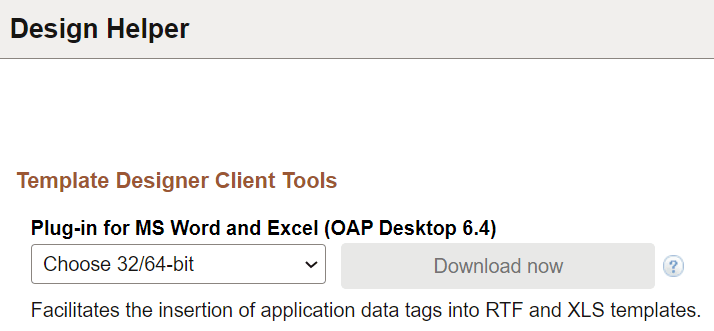
This example illustrates the fields and controls on the Design Helper page.
During template creation, a design helper facilitates the insertion of application data tag placeholders into your templates. A schema or sample data file is required for using a design helper. If you use a sample data file, you can preview your template offline during the design process.
Two template design helpers are available: one for designing RTF reports (MS Word Template Builder) and one for the PDF template that gets embedded as a JavaScript inside the PDF template itself when you upload the template to PeopleTools.
This page enables users to download a plug-in for Microsoft Word to facilitate offline RTF template design. Two versions of the plug-in are available: one for 32–bit Word and another for 64–bit Word. Select a version that applies from the list to enable the download button.
The plug-in is downloaded as a zip file. Based on your selection, the zip file contains the exe files that should be run to install the plug-in.
Included in the Oracle Analytics Publisher desktop plug-in setup, multiple directories are created that contain documentation, samples, tutorial, and demos. The program is also added to the Start menu.
See Using PDF Templates.