Creating Upgrade Package
To create the upgrade package in Change Assistant:
-
Navigate to the Create Change Package if you are not already on that page.
Select Tools, Create Change Package
-
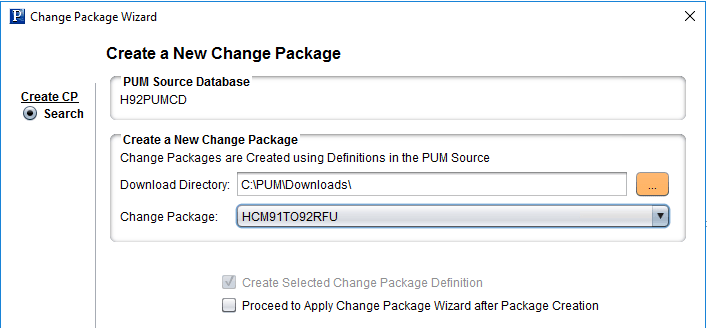
Select the upgrade change package for the drop down. There will be 2 packages for upgrade (UPG and RFU). Select one of these.
This example illustrates the fields and controls on the Create a New Change Package. You can find definitions for the fields and controls later on this page.
-
Click Next. You will receive a message Do you need to create the corresponding UPG CP? or
Do you need to create the corresponding RFU CP?, depending on your selection. Click OK.
-
The change packages will be created.