Defining Change Package
In order to define a new change package, the following steps must be completed:
-
PUM Source Database defined.
-
Target Database defined.
-
Target Database uploaded to the PUM Source.
See Selecting Update Manager Action
Use the Define Change Package action to create the change package definition. Change packages can be created using Update Manager Dashboard or Change Assistant.
To define a new change package:
-
In Change Assistant, select the Update Manager action.
The Update Manager action is available from:
-
The menu by selecting Tools, Change Actions.
-
Clicking Next on the Welcome page.
-
-
Select Define Change Package and click Finish.
This example illustrates the fields and controls on the Define Change Package. You can find definitions for the fields and controls later on this page.
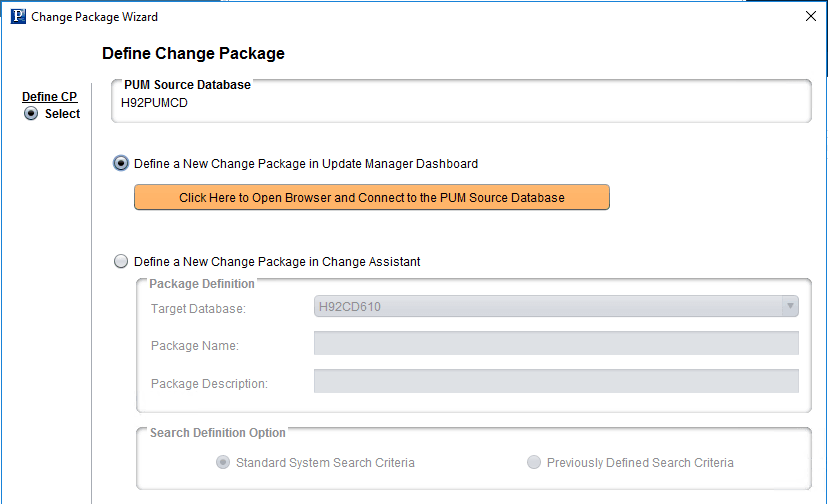
Select the method to use for creating the Change package.