Starting Change Assistant
To start Change Assistant:
-
Select Start, Programs, PeopleSoft Change Assistant 8.6x.xx, where x.xx refers to the release/patch number or use the Shortcut on the desktop.
-
Depending on your preferences, you may or may not see a Welcome dialog box. If the Welcome dialog box is displayed, click Next.
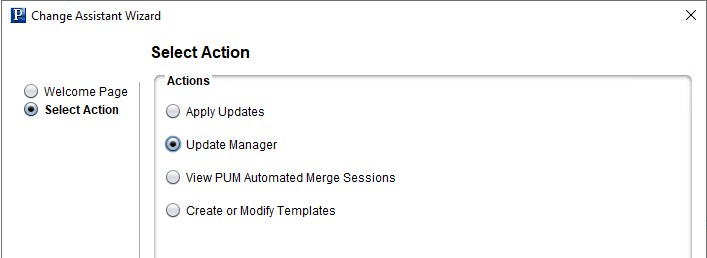
The Select Action page is displayed.
This example illustrates the fields and controls on the Change Assistant Wizard - Select Action page.
-
Select Update Manager and click Next.
Note:
You must select Update Manager for PUM-enabled maintenance.