Associating Component Interfaces with Menus
This applies to component interfaces built from components that are already attached to one or more menus.
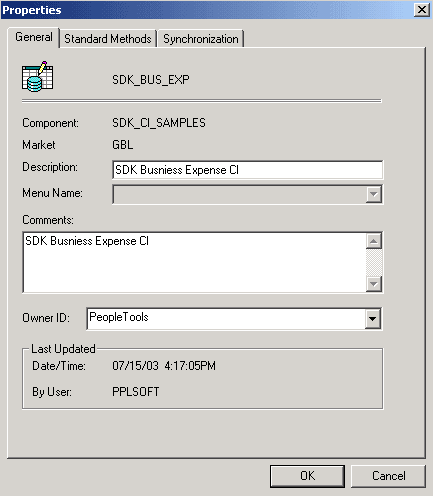
Use the Properties – General tab to associate a component interface with a menu.
To associate a component interface with a menu:
-
Select from the PeopleSoft Application Designer menu to open an existing component interface.
-
Select from the PeopleSoft Application Designer menu.
The Definition Properties dialog box appears.
-
Select the appropriate menu name on the General tab for this component interface.
Note:
Associate a menu with a component interface only when PeopleCode is in the component that uses the %Menu system variable.