Generating C++ Runtime Code Templates
To access a component interface through external APIs using C++, PeopleSoft Application Designer generates a template in the form of boilerplate C++ code that you can adapt to your purposes.
External C++ APIs are located in the <PS_CFG_HOME>\ExtAPI_C directory.
This section describes how to generate the template code.
This example illustrates generating a C++ template in PeopleSoft Application Designer.
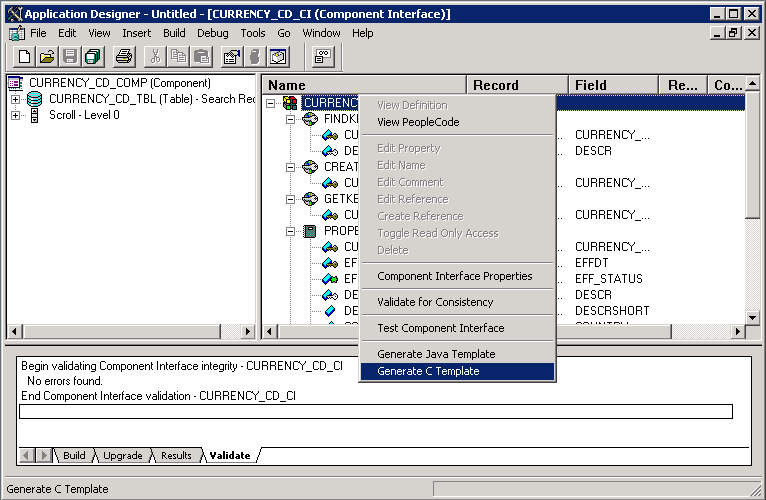
To generate a C++ template for a component interface:
-
Open a component interface definition in PeopleSoft Application Designer.
-
Right-click anywhere in the definition view to display the menu.
-
Select Generate C Template.
When the template is successfully generated, a message appears stating the name and location of the template file.
Note:
The template file is generated in the directory specified by the TEMP or TMP system environment variable on your client machine.
-
Add the generated template file to the project.
In Microsoft Visual C++:
-
Open the project created earlier.
-
Select .
-
Select the generated file.
-
Click OK.
-
-
Edit the generated file and modify the source code to suit your needs.
-
Build the project to generate an executable (.exe) file.