Selecting Elements and Viewing Element Properties
In most cases, when you select an element name in the document tree, properties that are defined or can be defined for the element appear on the right side of the page. This behavior is consistent for all pages of the Document Builder.
This example shows the Document Builder - XML page with the BillTo document in the document tree.
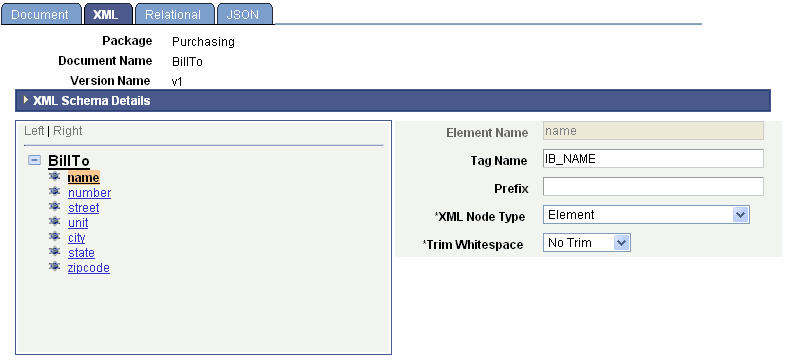
The name element is selected in the document tree. When you select the element on this page, the system displays XML property information for the element.
This example illustrates the Document Builder - Relational page for the BillTo document.
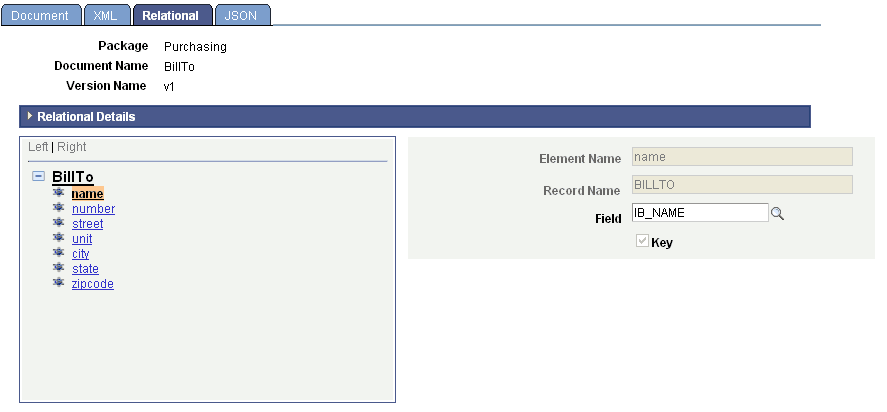
On this page, when you select the name element, the system displays properties for any PeopleSoft fields that are mapped to the element to the right of the document tree.
This example illustrates the Document Builder – JSON page for the BillTo document.
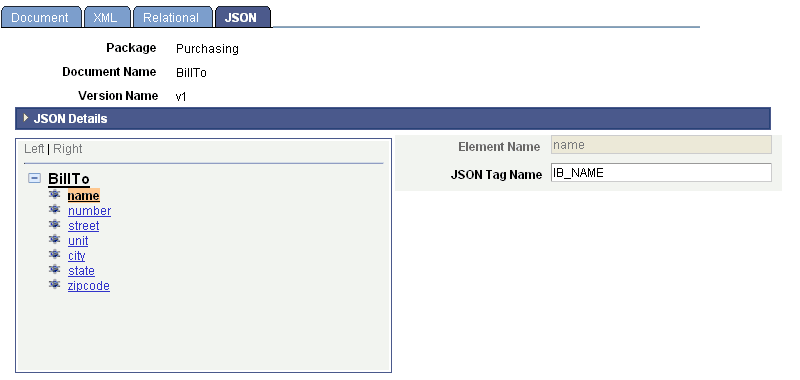
When you select name element, the system displays the JSON tag name that is defined for the element.