Viewing Records Mapped to Relational Documents
The Document Builder - Relational page features a Relational Details section where you can view the PeopleSoft record mapped to the document.
By default, the Relational Details section is collapsed. To expand the section, click the arrow icon next to the Relational Details label.
The following example shows the Document Builder – Relational page with the Relational Details section expanded.
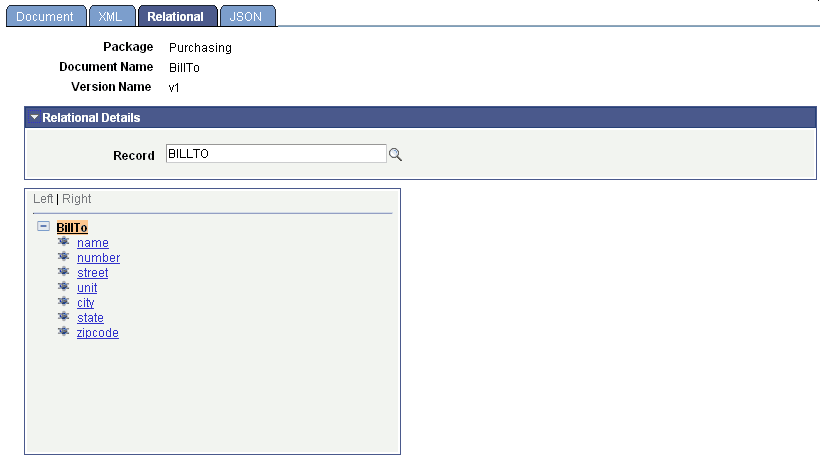
The previous example shows that the PeopleSoft record ITEMS is mapped to the Line_Items document.
When a PeopleSoft record is mapped to a document, all the elements in the document must be mapped to fields in the record.
The following section describes how to view record fields that are mapped to document elements.