Publishing a Query as a Feed
Access the Fields page (Reporting Tools, Query, Query Manager).
This example illustrates the fields and controls on the Fields page. You can find definitions for the fields and controls later on this page.
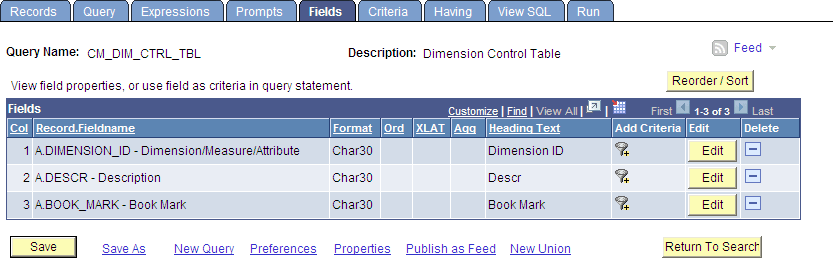
Use the Fields page to publish a query as a feed. Click the Publish as Feed link to begin creating the feed definition.
Note:
If a feed has already been published for this query, then the link appears as Manage Feeds rather than Publish as Feed.
Create the feed definition on the Publish Feed Definition page.