Scheduling Pause Times for Failover
Use the Node Status page (AMM_NODE_STATUS) in the Service Operations Monitor to schedule pause times for failover. To access the page select
This example illustrates the Node Status page. Use this page to schedule pause times for failover.
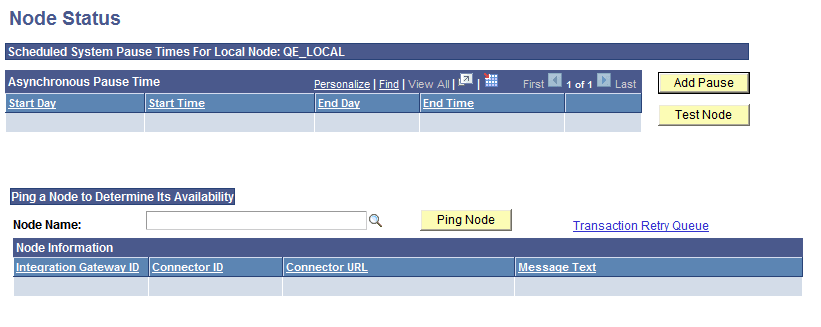
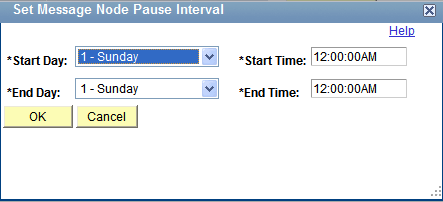
When you click the Add Pause button the Set Message Node Pause Interval page (AMM_ADD_SPTIMES) appears where you can set the system pause start and stop day and time.
This example illustrates the Set Message Pause Time Interval page. Use this page to set pause start and stop times for a node.
To schedule a pause time for failover:
-
Access the Node Status page ().
-
Click the Add Pause button.
The Set Message Node Pause Interval page appears.
-
Schedule the pause time to start:
-
From the Start Day drop-down list, select the day of the week for the pause time to start.
-
In the Start Time field, enter the time of day for the pause time to start.
-
-
Schedule the pause time to end:
-
From the End Day drop-down list, select the day of the week for the pause time to end.
-
In the End Time field, enter the time of day for the pause time to end.
-
-
Click the OK button.
The Node Status page appears and the details of the scheduled pause time appear in the Asynchronous Pause Time grid.