Setting the Network Node Password
PeopleTools is delivered with an IB_NETWORK node. This node is used to perform functionality across all nodes in the integration network, including registering network nodes on participating systems.
The network participants determine the password to be used.
Important:
This password must then be set on each system participating in the network. The password set must be identical on all systems participating in the integration network.
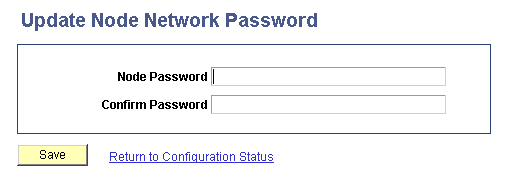
Use the Update Node Network Password page (IB_INTNET_NODEPWD) to enter the password for the network node. To access the page select and in the Additional Links section, click the Node Network Password link.
This example illustrates the Update Node Network Password page.
To set the network node password:
-
Access the Update Node Network Password page ( and in the Additional Links section, click the Node Network Password link).
-
In the Node Password field, enter the network node password.
-
In the Confirm Password field, enter the network node password again.
-
Click the Save button.
-
Click the Return to Configuration Status link to return to the Configuration Status page.