Using the Search for Items–Introspection/Deployment Page
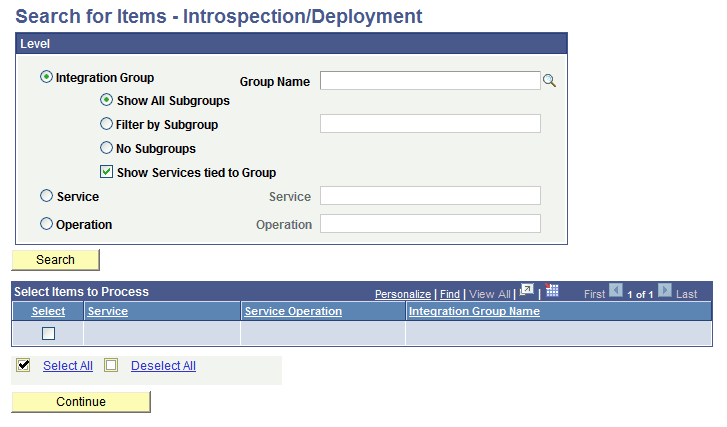
The Integration Network features a Search for Items – Introspection/Deployment page (IB_INTNETWORK2) that you use to search for select integrations to introspect and deploy.
To access the Search for Items – Introspection/Deployment page, select
This example illustrates the fields and controls on the Search for Items–Introspection/Deployment page . You can find definitions for the fields and controls later on this page.