Adding Pause Times to Local Nodes
Use the Node Status page to add pause time to local nodes. To access the page select
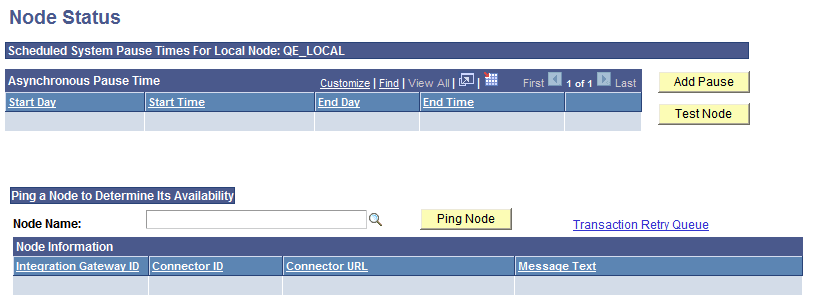
This example shows the Node Status page.
To add a node pause time:
-
Access the Node Status page ().
-
Click Add Pause.
-
Select a day of the week in the Start Day drop-down list box.
-
Enter a value in the Start Time edit box.
-
Select a day of the week in the End Day drop-down list box.
-
Enter a value in the End Time edit box.
-
After you have entered the appropriate start and end values to define your pause interval, click OK.