Cleaning Up Orphaned Data from Segment Batch Processing Jobs
Use the Segment Data Cleanup page (IB_SEGMENTCLEANUP) to clean up orphaned data from segment batch processing jobs. To access the page select ).
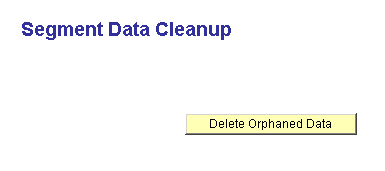
This example shows Segment Data Cleanup page.
WARNING:
Deleting orphaned data rows can corrupt pending data being processed. Be sure there are no running batch programs that process segment data. Any such program may be adversely affected by deleting orphaned data prematurely.
To clean up orphaned data:
-
Select
-
Click the Delete Orphaned Data button.
After the system has deleted any orphaned data, it displays a message indicating the deletion is complete.