Pausing Queues
Use the Queue Status page (IB_MONITOR_QUEUES) to pause queues on the local database.
This example shows the Queue Status page.
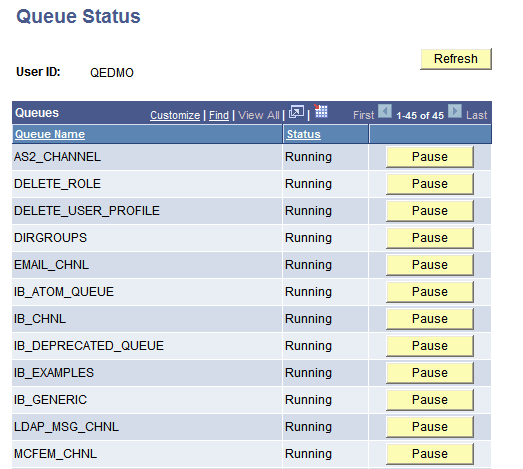
Each row in the Queues list displays the queue name and its current status. The label on the button indicates the status to which the queue will change when clicked.
To pause a queue:
-
Select The Queue Status page appears.
-
In the Queues list, locate the row that contains the queue to pause.
-
Click the Pause button at the end of the row.