Testing a POST Open API
To test a POST Open API:
-
Select PeopleTools, Integration Broker, Application Services, Test Application Services.
-
Search for and select the Application Service to test.
-
Select the POST path item to test.
-
Select the Standard option (default).
-
Select the Populate URI Template link and enter variables for the URL.
-
Select the Provide Data Link.
-
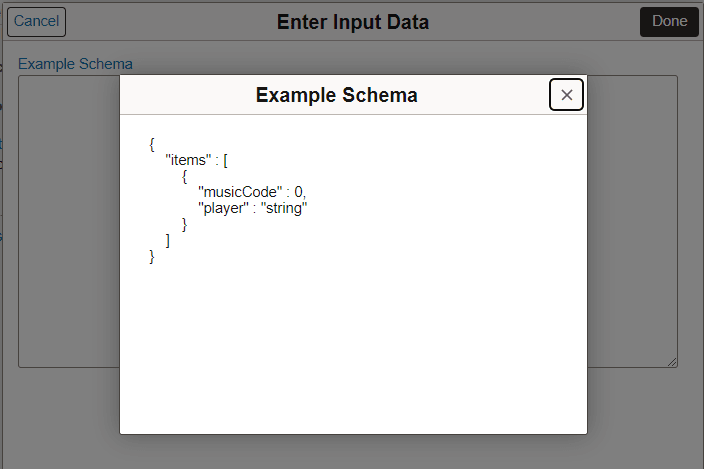
Select the Example Schema link.
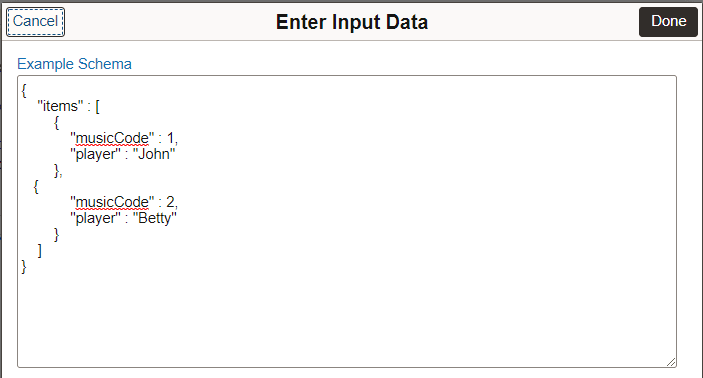
Copy the schema and paste input data, update the data as appropriate.
-
Update Request Headers if applicable.
-
Click the Execute Request button.
This example illustrates the Example Schema page.
This example illustrates the input data with multi row input.
Note:
The JSON schema is validated when you click Done on the Enter Input Data page.
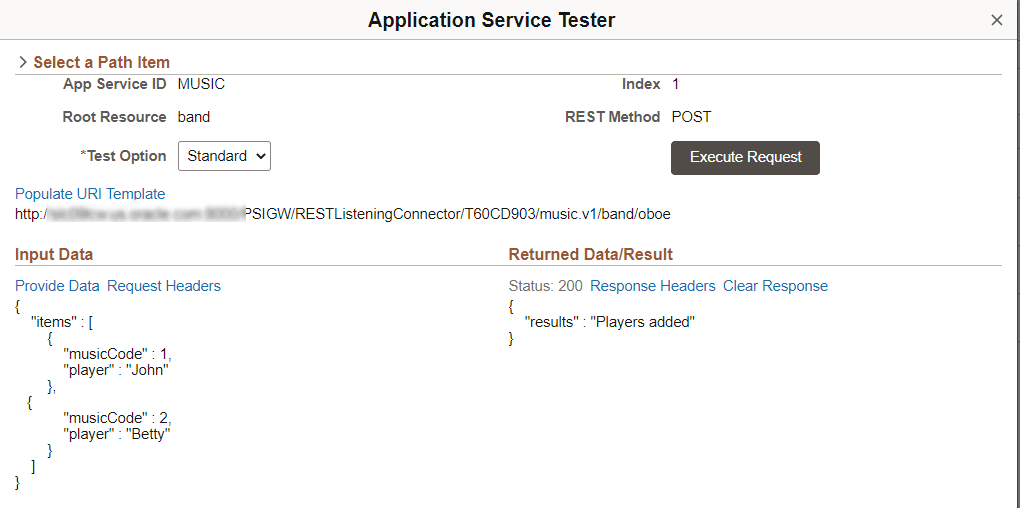
This example illustrates a POST Application Service Test.