Adding Message Names and Descriptions to Generated Service Operations
The Confirm Actions page features a Message Names and Descriptions link for each service operation. Click the link to open the Message Names and Descriptions page (IBCISERVICES2_SEC). On the page you can enter names for each message in the service operations. You can also enter a description for each message name. The message names and description will appear in the generated XML message schema for the service operation.
This example illustrates the Message Names and Descriptions page.
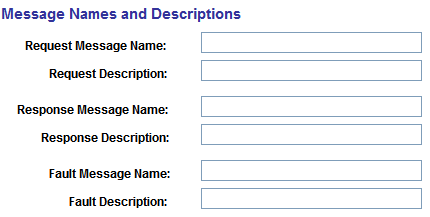
In the message name fields, enter a message name. You do not need to append the message name with a version number. The system automatically creates a version of the message as version one, and appends the message name with .V1.
When you have completed entering message names and descriptions, click the OK button to return to the Confirm Actions page.