Configuring Timeout for Synchronous Services
Administrators can use the System Setup Options page to configure timeout for synchronous services.
To access the System Setup Options page, select .
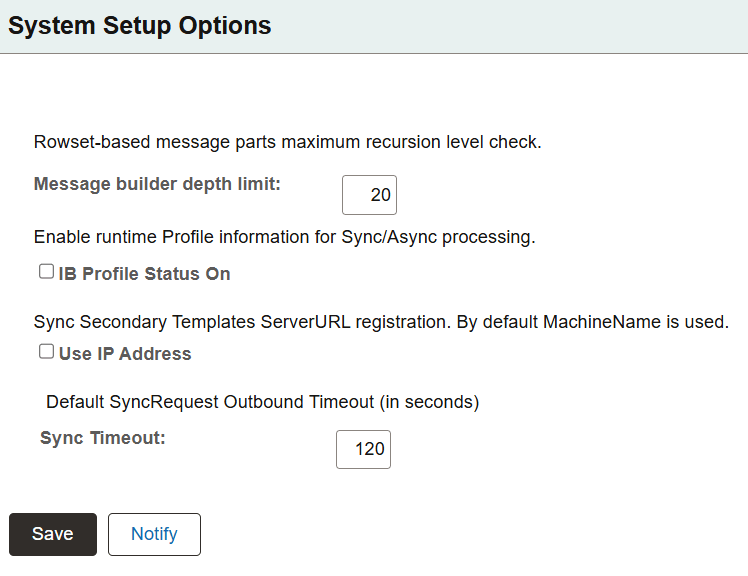
This example illustrates the fields and controls on the System Setup Options page.
To configure timeout for all synchronous services:
-
Enter a value, in seconds, in the Sync Timeout field. The default value is 120 seconds.
-
Select the Save button.