Deleting Web Service Documents
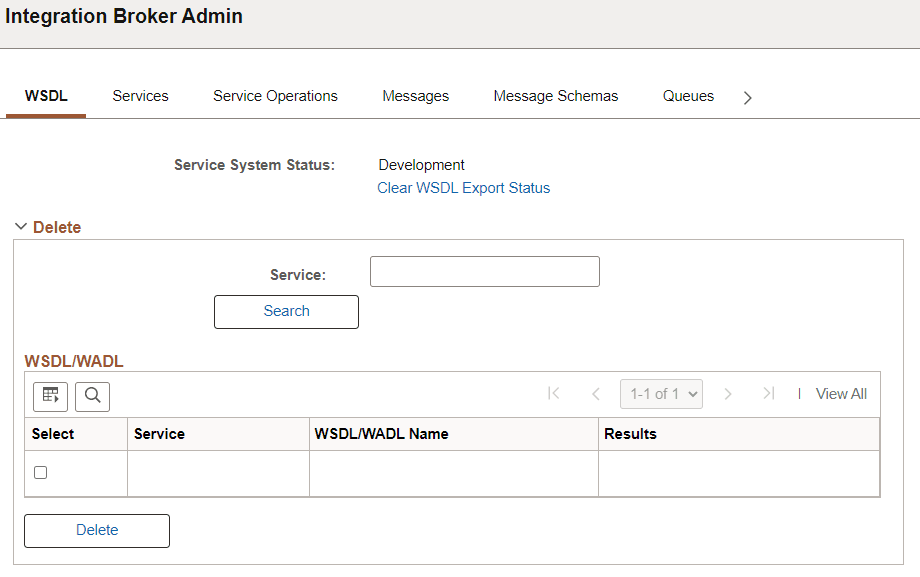
Use the Service Administration – WSDL page (IB_HOME_PAGE7) to delete WSDL documents or WADL documents generated for a service. To access the page select and click the WSDL tab.
This example illustrates Integration Broker Admin - WSDL page.
To delete a Web Service document:
-
Access the Services Administration - WSDL page (select ).
-
Click the arrow next to the Delete section header to expand the section.
-
In the Service field, enter the name of the service that contains the document to delete.
-
Click the Search button.
Search results appear in the WSDL/WADL results grid.
-
In the results grid, select the check box next to the document to delete.
-
Click the Delete button.
The Clear WSDL Export Status link that appears on this page is discussed elsewhere in the product documentation.