Renaming and Deleting Queues
You can rename and delete queue definitions using the Queue page (IB_HOME_PAGE3) in the Service Administration component (IB_HOME_PAGE).
The Queues page contains two sections: a Delete section that enables you to delete a queue definition and a Rename section that enables you to rename a queue definition.
To access the page, select and select the Queues tab.
When you first access the page, both sections are collapsed. Click the section-header arrow buttons to expand and collapse each section.
This example illustrates the Service Administration – Queues page.
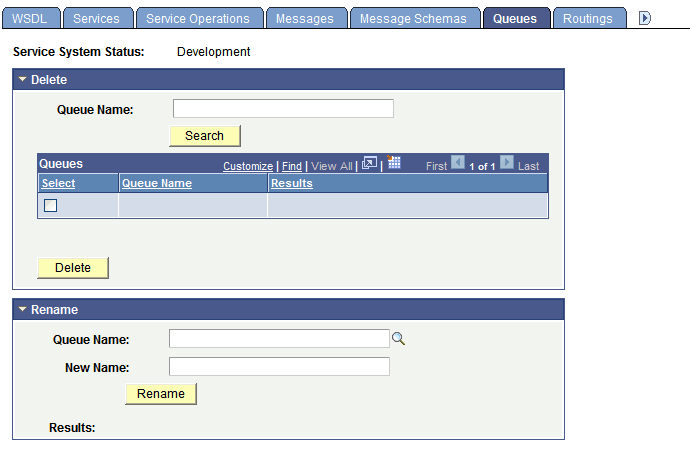
The top of the page displays a Service System Status field with the current setting, as defined on the Service Configuration page. This setting affects the ability to rename and delete queues.