Restricting Write Access to Service Definitions
Use the Service Configuration – Restricted Service page (IB_SVCSETUP3) in the Service Configuration component (IB_SVCSETUP) to restrict a service.
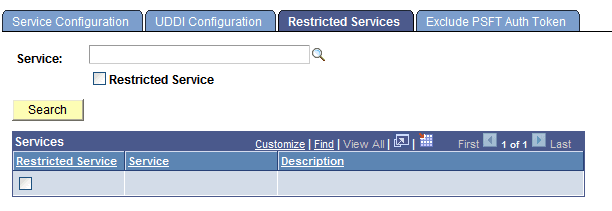
This example shows the Service Configuration – Restricted Services page.
To restrict write access to services:
-
Select . Click the Restricted Services tab. The Restricted Services page appears.
-
In the Service field, enter a service name and click the Search button, or click the Lookup button to search for a service.
The service name or search results display in the Services list.
-
Select the Restricted Service check box next to the service name to which you want to restrict access.
-
Click the Save button.