Using the Metadata Convert/Schema Convert Page
Use the Service Administration – Metadata Convert/Schema Convert page (IB_META_CONV) to convert WSDL documents and message schemas to managed objects. To access the page select and click the Metadata WSDL/Schema Convert tab.
This page illustrates the Service Administration – Metadata WSDL/Schema Convert page.
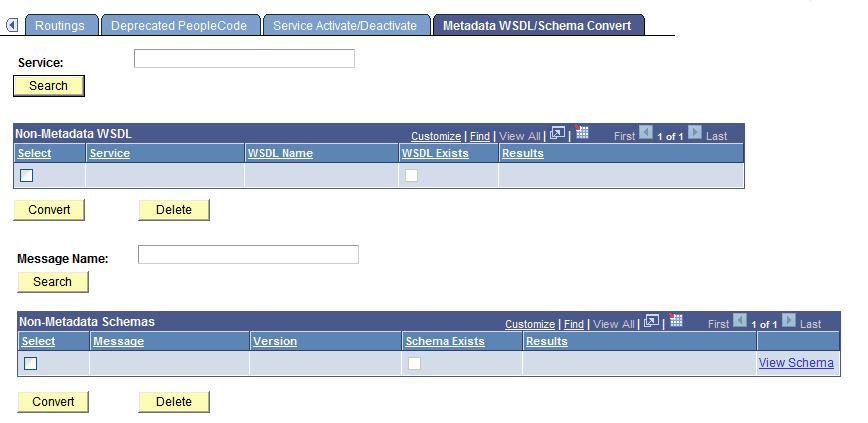
Use the top portion of the page to convert WSDL documents to managed objects. Use the bottom portion of the page to convert XML message schemas to managed objects. The page enables you to work with one WSDL document or message schema at a time, or you can work with all data in the deprecated data repository at once.
When working with message schema, you can also use the provided View Schema link on the page to view schemas before converting them.
This page also enables you to delete data from the deprecated data repository that you do not want to convert to managed objects or that you no longer need.
The following sections describe how to accomplish these tasks in greater detail.