Loading Project on Target Database
To load the data ADS project on the target database:
-
On the target database, .
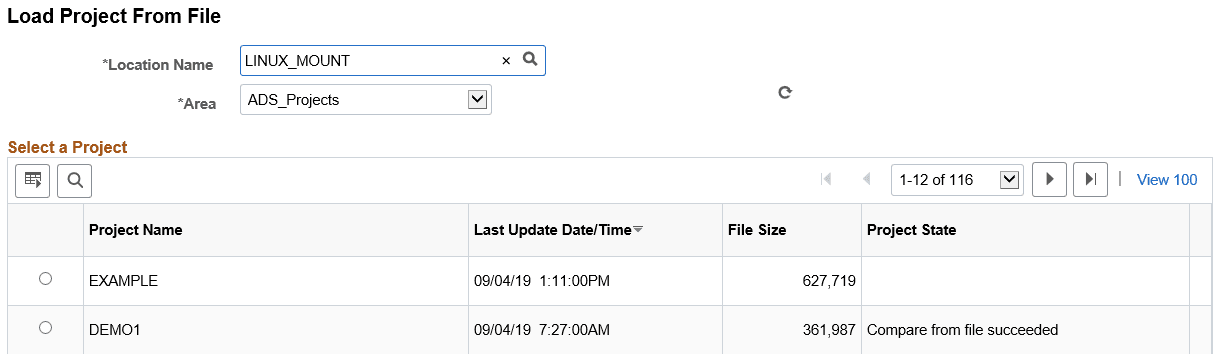
This example illustrates the fields and controls on the Load Project From File.
-
Select the File Location and Area. A list of projects in that location will be displayed.
-
Select the ADS project to load.
-
Optionally, if you want to run the load from file process asynchronously in Application Engine through Process Scheduler, select Asynchronous check box.
-
Click Load.
If the data set definition used in the ADS project does not exist on the target database, you will receive an error message and the project will not load.