Setting ADS Project File Permissions for UNIX Users
PeopleSoft provides an option to choose whether to grant read and write permissions to ADS project files to other UNIX users.
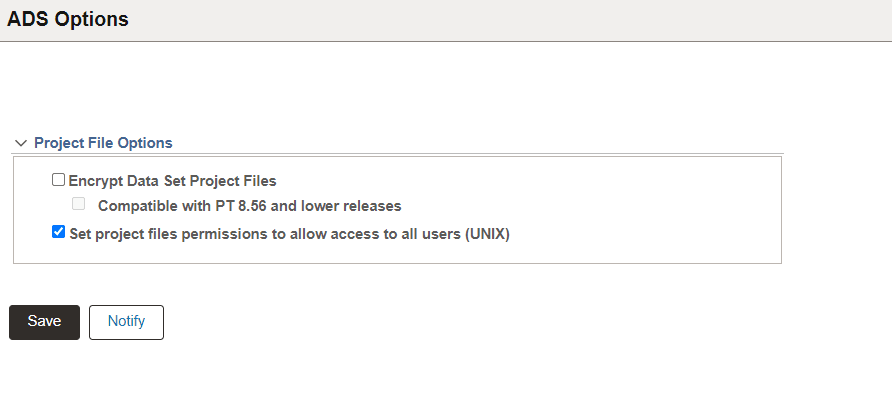
Select the Set project files permissions to allow access to all users (UNIX) option on the ADS Options page (PeopleTools, Lifecycle Tools, Migrate Data, ADS Options).
This example illustrates the ADS Options page with Set project file permission for UNIX users selected.
By default this option is deselected.
When this option is deselected, data set project files created while Copy to File operation will have default permissions. This provides read and write permissions only to Owner and Group users, such as PeopleSoft administrators.
Select this option to provide read and write permission to data set project files for other UNIX users. The other UNIX users can be users in the development environment who do not have administrative privileges.
When you enable access to other UNIX users, it allows inter-application access between development and production environments where there are different users belonging to different groups.
Note:
This feature is applicable only for UNIX systems. There is no change in permissions for data set project files on non-UNIX system.