Switching to the Upgrade View
When you perform an upgrade with PeopleSoft Application Designer, select the Upgrade tab at the bottom of the project workspace to switch to the upgrade view.
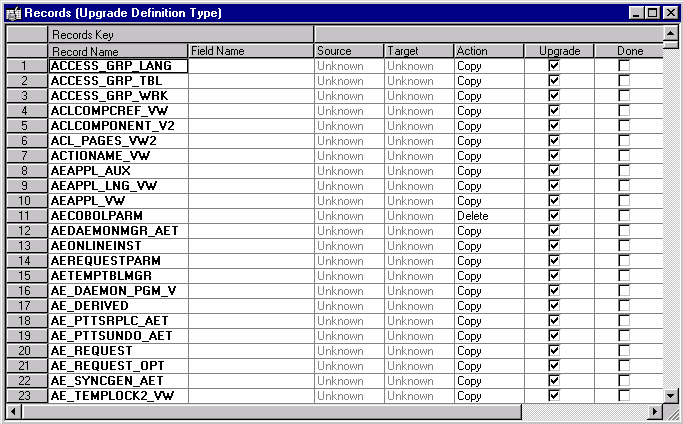
The upgrade view of the project workspace shows all of the definition types in the project that are available for upgrade—not only those that PeopleSoft Application Designer can modify, as in the development view. The upgrade definition window displays the definitions in the project and their upgrade settings. One definition type appears at a time. Displayed here are the upgrade attributes for all record definitions in the selected project.