Viewing the Agent State Summary
Access the Agent State Summary page using the following navigation path:
This example illustrates the cumulative totals for the selected agent on the Agent State Summary page.
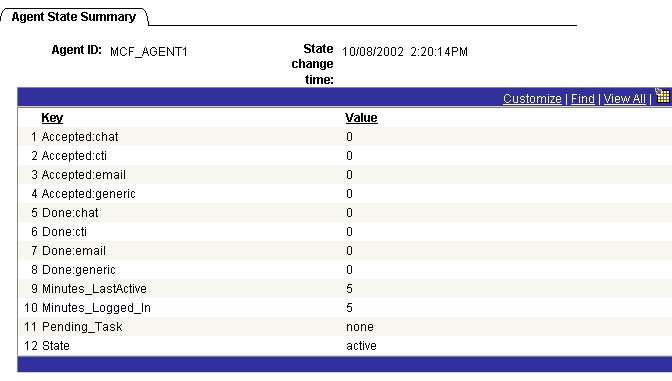
The Agent State Summary page displays cumulative totals for the selected agent.
This state information comprises statistics to measure agent performance and status that can be analyzed and used for performance evaluation.
The state stamps are inserted for every agent at configurable intervals, irrespective of user activity. State is only recorded for agents currently logged on. The intervals are configured on the Cluster Tuning page by setting the dumpinterval. Enable agent logging by setting dumpagent to yes.
An agent state of Active indicates the agent is available; Inactive indicates the agent is not available.
Note:
On a busy system, recording state information frequently may slow performance.
Related Topics