Viewing the Cluster Summary
Access the Cluster Summary page using the following navigation path:
The Cluster Summary page displays details of the selected MCF cluster.
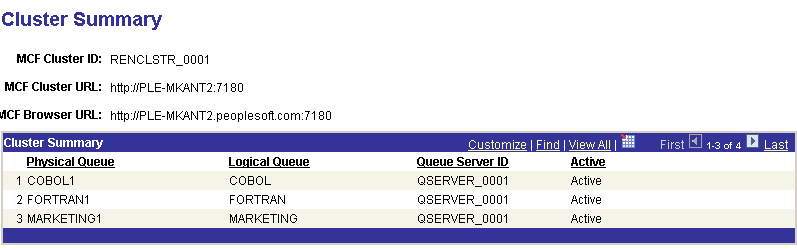
The Cluster Summary page displays the associated MCF cluster URLs and queue details for the selected MCF cluster. The information cannot be changed from this page.