Viewing Event Logs for a Third Party

Select any event from the Event Log page to display the details of any event.

This example illustrates the fields and controls on the Event Log page (page 1 of 2).
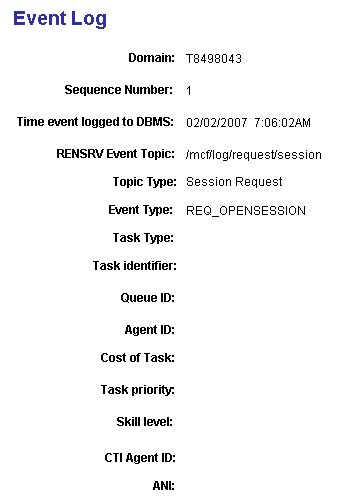
Event Log page 1 of 2 displaying the Domain, Sequence Number, Time Event Logged to DBMS, RENSRV Event Topic, Topic Type, Event Type, Task Type, Task Identifier, Queue ID, Agent ID, Cost of Task, Task Priority, Skill Level, CTI Agent ID, and ANI fields.

This example illustrates the fields and controls on the Event Log page (page 2 of 2).
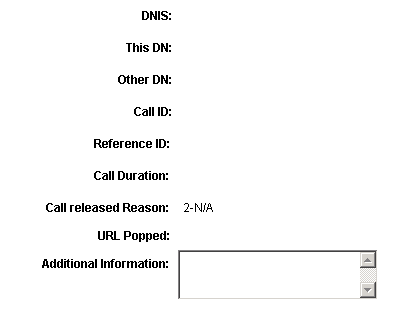
Event Log page 2 of 2 displaying the DNIS, This DN, Other DN, Call ID, Reference ID, Call Duration, Call Released Reason, URL Popped, and Additional Information fields.