Viewing the Queue Server State
Access the Queue Server State page using the following navigation path:
This example illustrates the cumulative diagnostic totals for the selected queue server on the Queue Server State page.
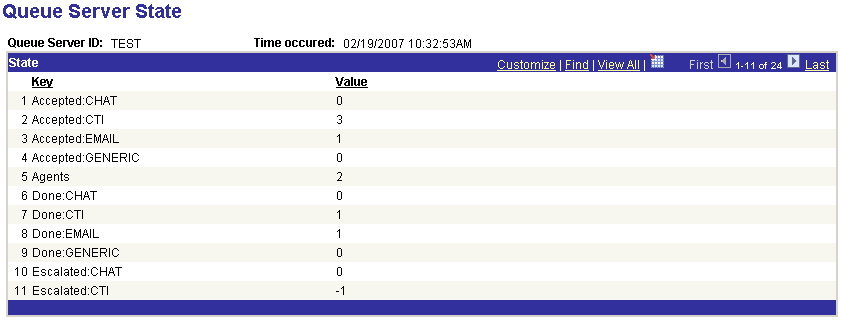
The Queue Server State page displays cumulative diagnostic totals for the selected queue server, at the selected time, across all physical queues serviced by this queue server. Cumulative totals are reset after each state dump.
This state information comprises statistics to measure load and throughput that can be analyzed and used for tuning the system. For example, if counts are high, consider adding another physical queue to balance the load.
The state stamps are inserted for every primary queue server by cluster at configurable intervals, irrespective of user activity. You configure the intervals on the Cluster Tuning page.