Accessing PeopleCode Application Packages and Application Classes
The PeopleCode Editor provides immediate access to application packages, application classes, and application class method definitions.
Right-click the package, class, or method name and, depending on the context, select from:
-
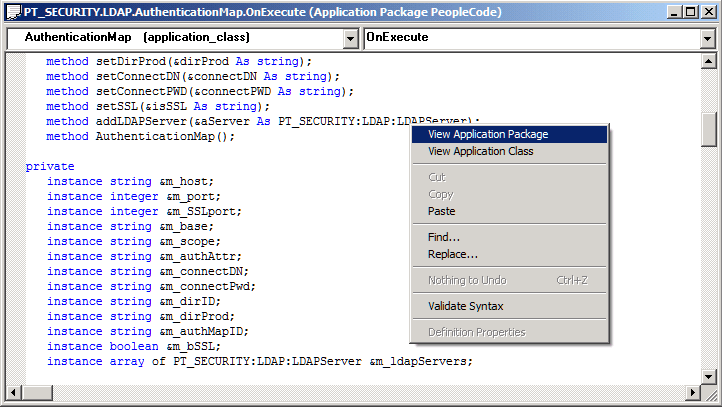
View Application Package
-
View Application Class
-
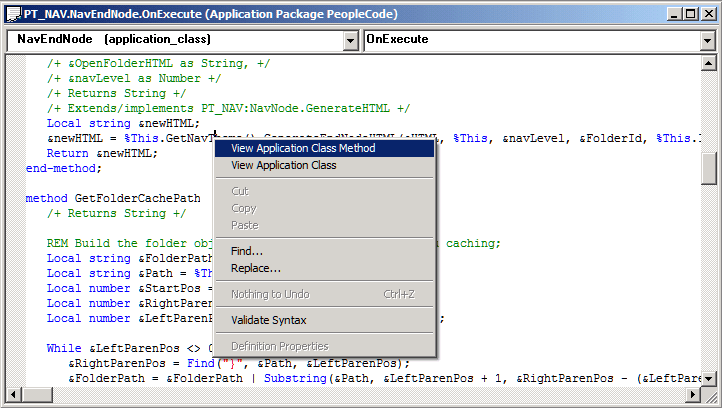
View Application Class Method
This opens the application package or a new PeopleCode Editor window containing the application class.
The following example shows the context menu for a fully-qualified application class name.
The following example shows the context menu for a method.
Note:
The application class context menu is not available for methods that are called by indirection.
In the following example the method CallMe would not be available to view using the context menu.
Object0.GetObject().CallMe();
Accessing Methods in Derived Classes
A method that is defined only in the superclass is not available if you attempt to view it using View Application Class Method with the derived class, or subclass.
For example, in the following code snippet CCI_CRM extends CCI_BASE. The method Validate is not defined in CCI_CRM; it is available to CCI_CRM by extension. The method Submit, on the other hand, is overridden in CCI_CRM.
If you right-click Validate and select View Application Class Method, the cursor will be placed at the beginning of the application class CCR_CRM, not at the method definition in CCI_BASE.
If you right-click Submit and select View Application Class Method, you will be taken to the method definition for Submit in CCI_CRM.
Import EOCC:CCI_CRM;
&CCI = Create EOCC:CCI_CRM();
&CCI.Validate(&Card);
&CCI.Submit(&Card);
This may be helpful when you need to know whether a method has been overridden.