Show Database Name Utility
To display the name of the database in use in the current PeopleCode program:
-
Open Configuration Manager.
-
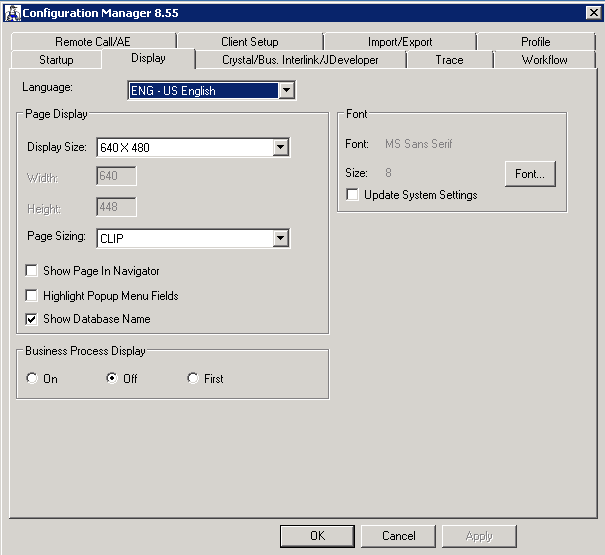
Click on the Display tab.
The following image illustrates the Display tab in Configuration Manager:
-
Select the Show Database Name check box.
When you access Application Designer, the name of the database in use is displayed at the bottom right corner of the status bar.