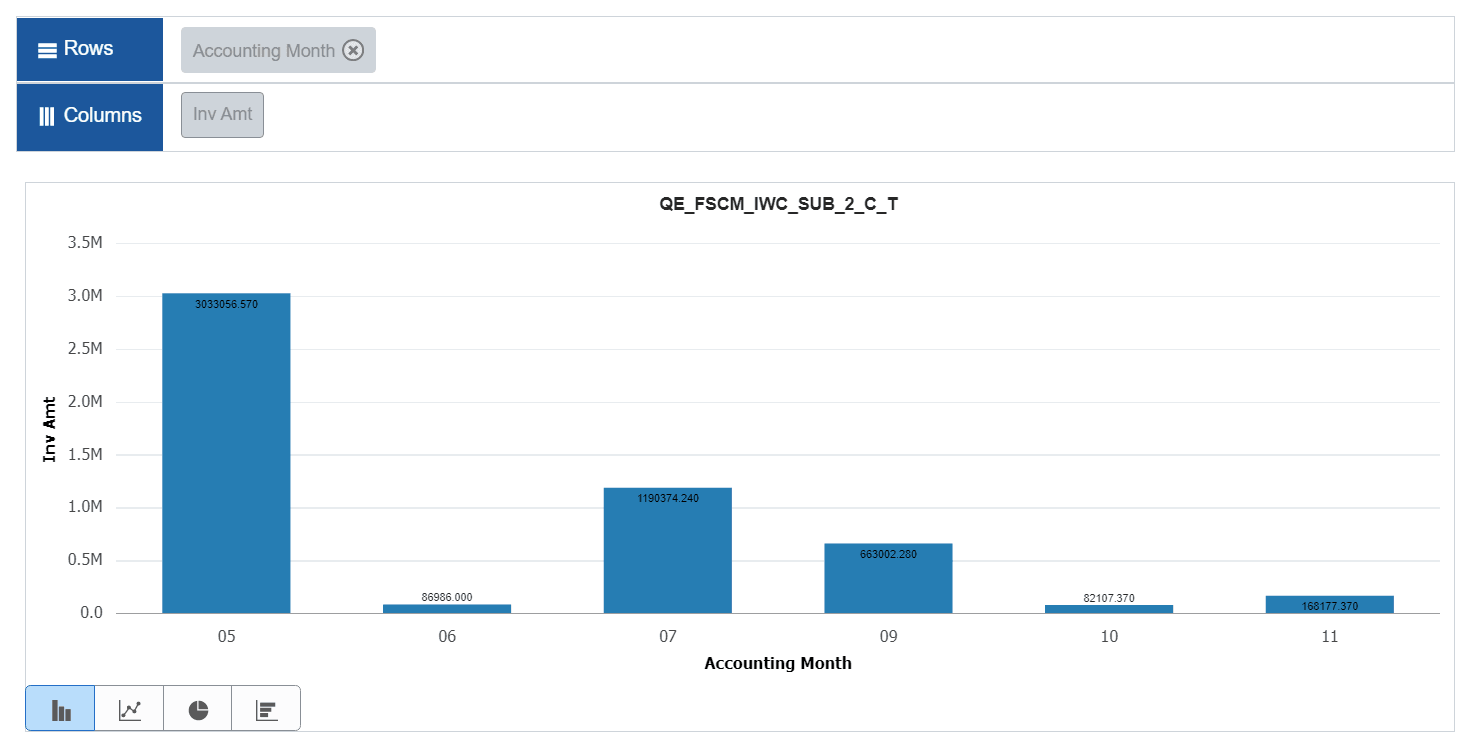
Displaying Data Point Values on the Pivot Grid Chart
You can display the data point values on the Pivot Grid chart. This feature is disabled by default. You can enable this feature in the Pivot Grid Viewer as well as the Pivot Grid Wizard by selecting the Display Value check box in Chart Options. See Describing the Options Menu and Using the User Charting Options
The following example illustrates how the data point values are displayed on the chart when the Display Value option is enabled.