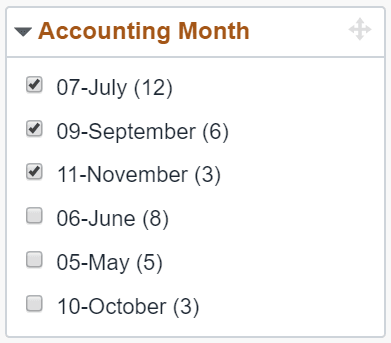
Multi-Select Facet
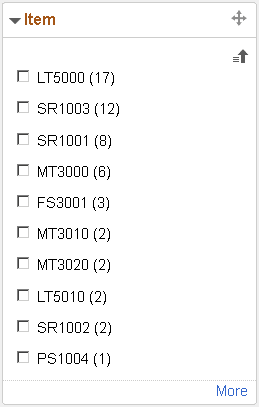
This example illustrates a multi-select facet that is sorted based on the count of each item. You can click the sort icon at the top-right of the facet to sort the facet values in ascending or descending order. The facet initially display the first ten values and you can click the More link to incrementally load more facet values.
This example illustrates a multi-select facet with filters applied to alternate accounting months. The filtered facet items take precedence in the sorting order and are sorted separately. The unfiltered facet items are sorted based on sorting preference either by count or ascending or descending order. If no sorting preference is applied, the unfiltered facet items are sorted by count.