Creating the iframe Template HTML Definition
To create the iframe template HTML definition:
-
In Application Designer, open the PT_HNAV_TEMPLATE HTML definition.
-
Clone the definition and save it as the value that was used in parameter 1 of the new iScript.
-
Open the text file that contains the original template HTML and locate the pagelets that you need to move to the new template, for example:
<frame name="CART" id="CART" frameborder="no" scrolling="auto" noresize src=""⇒ style="border-top:ridge #CCCCCC 5px;"> <IClientComponent Name="Links"> <Source Node="ERP" Pagelet="EP_PV_REQ_LINKS_PGLT">dummy</Source> </IClientComponent> </frame> -
Change the HTML so that it looks like this:
<div id="pvcartpagelet">
     <iframe name="CART" id="CART" frameborder="no" src="">
	         <pagelet name="Links">
                <source Node="ERP" Pagelet="EP_PV_REQ_LINKS_PGLT"/>
          </pagelet>
     </iframe>
 </div>
Note:
The iframe template does not support the
IClientComponenttemplate meta-tag. These meta-tags are desupported and are replaced by thepageletmeta-tag. -
Locate where you want to position the Links pagelet in the PV_SHOP_CART_HNAV_TEMPLATE iframe template. If the pagelet is to exist to the right or left of the target content, place the pagelet inside of the iframe content container
<div>.In this scenario, the pagelet will be located to the right of the target content.<div id="ptifrmcontent"> <div id="ptifrmtarget"> <iframe id="ptifrmtgtframe" name="TargetContent" title="%bind(:6)" frameborder=⇒ ⇒ ⇒ ⇒ ⇒ "0" scrolling="auto" onload="ptrc.onLoadTC()" src=""> <target Name="target" params="%bind(:7)"/> </iframe> </div><div id="pvcartpagelet"> <iframe name="CART" id="CART" frameborder="no" src=""> <pagelet name="Links"> <source Node="ERP" Pagelet="EP_PV_REQ_LINKS_PGLT"/> </pagelet> </iframe> </div> %bind(:8) <script type="text/javascript" src="%bind(:9)"></script> </div> -
Add the style information for the new pagelet. Ideally, these styles should go into a style sheet to take advantage of style sheet caching on the web server and browser. For this example, the embedded style approach places the style in the head section of the template.
<style type="text/css">
/* style for the CART pagelet container div */
#pvcartpagelet {
  position:absolute; /* required: the position must be fixed so the iframe can be⇒
 sized properly */

  %AlignEnd:0;       /* meta CSS to position the location of the pagelet */
  margin:0;
  width:30%;         /* required:must be a percentage,value so the correct width⇒
 is rendered when the browser is resized */
}

/* style for the CART iframe */
#CART { width:100%; height:100%; }
</style>
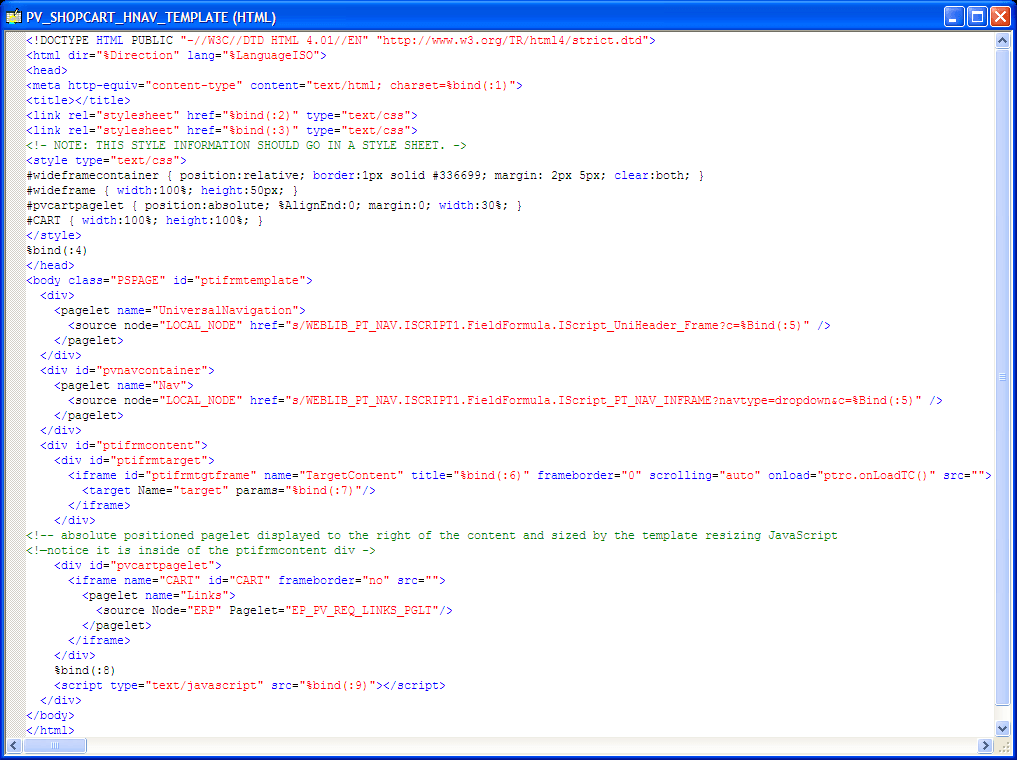
This is an example of the full HTML definition that contains the template with the shopping cart pagelet.
If a pagelet needs to expand to the width of the page, the following HTML and style information can be used:
<style type="text/css">
#wideframecontainer {
  position:relative;                      /* required: */
  border:1px solid #336699;
  margin: 2px 5px;
  clear:both;
 }
#wideframe { width:100%; height:50px; }
</style>
...
<!--must be located outside of the content container div-->
<div id="wideframecontainer">
    <iframe name="wide" id="wideframe" frameborder="no" src="">
      <pagelet name="Test">
        <source Node="LOCAL_NODE" href="s/WEBLIB_PV.ISCRIPT1.FieldFormula.IScript_⇒
PT_TEST"/>
      </pagelet>
    </iframe>
 </div>
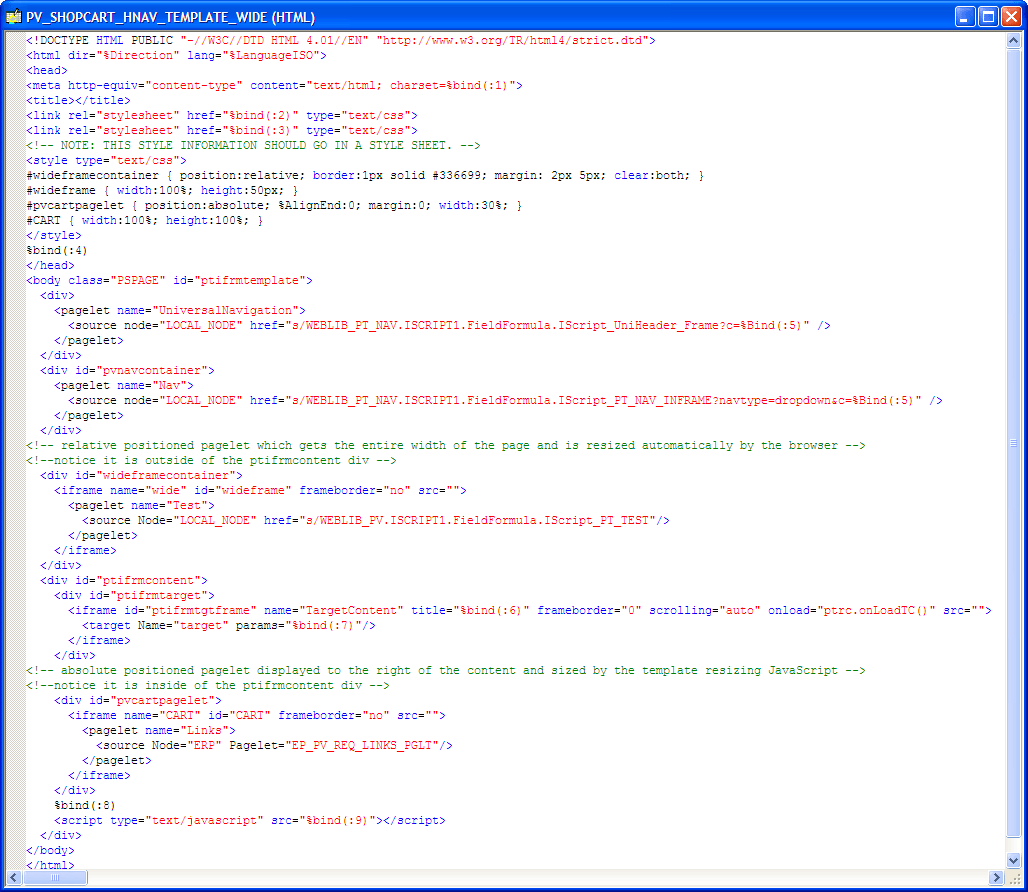
This is an example of a full HTML definition that contains a wide pagelet: