Running the WebCenter Security Sync Batch Process
Access the WebCenter Security Synchronization page. (Select ).
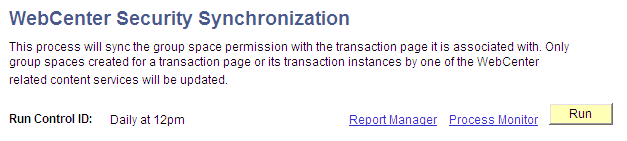
This example illustrates the fields and controls on the WebCenter Security Synchronization page.
To run the WebCenter Security Synchronization batch process:
-
Click the Run button.
-
Click the Process Monitor link to verify success.