Testing Related Content Service Definitions
Use the Test Related Content Service page to enter parameter values and then test the related content service.
Navigation:
On the Define Related Content Service page, click the Test Related Content Service link.
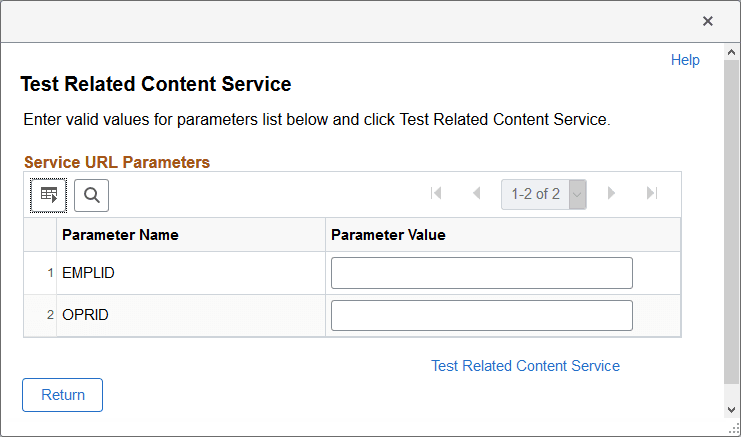
This example illustrates the fields and controls on the Test Related Content Service page. You can find definitions for the fields and controls later on this page.
| Field or Control | Description |
|---|---|
|
Parameter Name |
Displays the parameters that you enter on the Define Related Content Service page. This field is display-only. |
|
Parameter Value |
Enter a test value for the parameter. |
|
Test Related Content Service |
Click to test the related content service with the parameter values that you enter. |
|
Return |
Click to return to the Define Related Content Service page after testing the service. |
Testing Related Content Service Parameter Values
To test parameter values:
-
Enter the value in the Parameter Value field.
-
Click the Test Related Content Service link.
The service appears in a separate browser window using the specified parameter values.
-
Click the Return button to return to the Define Related Content Service page.