Understanding WorkCenter Pages
WorkCenter pages (or WorkCenters for short) are a type of configurable PeopleSoft classic page that enable you to offer access to related transactions, analytics data, query results, and other PeopleSoft resources from one central location. You can organize the elements on WorkCenter pages based on processes, procedures, roles, or other business requirements that are specific to your organization. When carefully designed, WorkCenter pages bring together the PeopleSoft elements that your users access most when performing the tasks that comprise their primary responsibilities. As a result, WorkCenter pages can promote productivity by minimizing the time that users spend navigating between tasks.
WorkCenter pages can bring these different elements together because WorkCenter pages use a classic portal template that provides flexibility in the way that you access classic components and pages and also in the way the application displays these elements. The WorkCenter portal template differs from the standard portal template in two primary ways:
-
The WorkCenter portal template partitions the browser window into two frames: an adjustable pagelet area and target a content area.
-
The two areas of the WorkCenter portal template are designed to interact by passing contextual information back and forth by using an event-driven model. The actions in the pagelet area determine the content in the other.
When users access WorkCenter pages, they are presented with pagelets that contain links to components, analytics, query results, and other PeopleSoft resources. The WorkCenter pagelet area is designed to extract and leverage values that are necessary to complete the transaction in the target area. When users click a link in the pagelet area, it triggers the appropriate transaction, and passes values from the pagelet area so that the application can display the appropriate content in the target content area or in a new browser window.
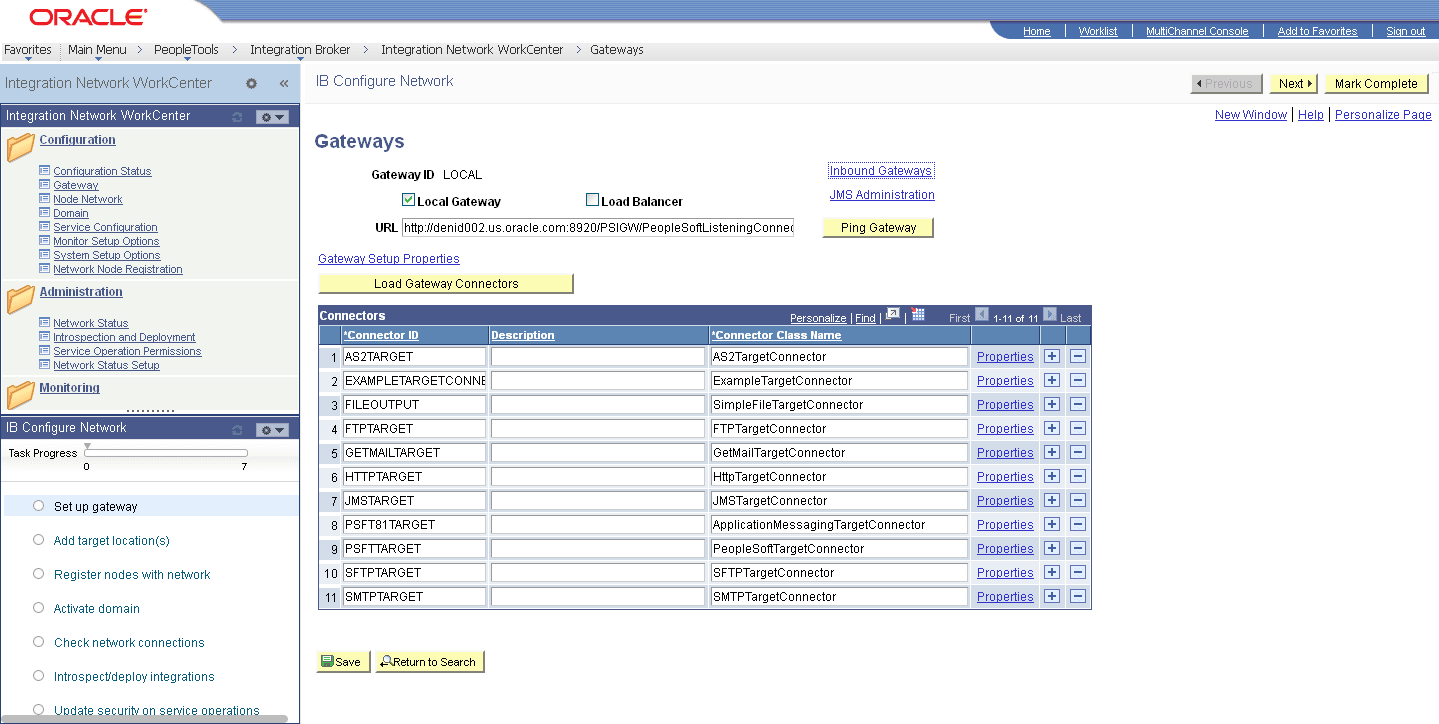
The following example illustrates the main parts of a WorkCenter page. On the left, the pagelet area displays two pagelets configured to display in this WorkCenter. On the right, the target area displays the current transaction page as selected in a WorkCenter pagelet. The standard portal header, including the drop-down menu and navigation breadcrumbs, is displayed at the top of the WorkCenter page.