Adding Folders
To add a folder:
-
On the Reporting Console page, go to the My Favorites section and click the arrow. Select Add ..
-
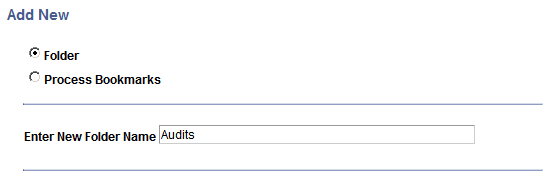
In the Add Folder / Process Bookmark page, select the Folder radio button.
This example illustrates the fields and controls on the Add a new folder page.
-
Enter the new folder name and click OK.