Renaming Folders
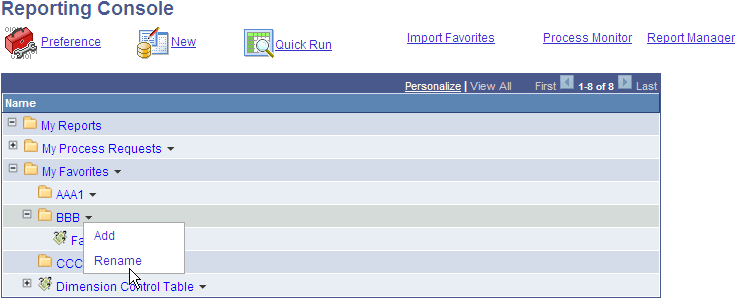
You can rename a folder in the My Favorites list.
This example illustrates the fields and controls on the Rename Folder.
-
Click the arrow and select Rename.
The Add Folder / Process Bookmark page is displayed.
-
In the Enter New Folder Name box, enter the name of the new folder and click OK.