Setting Initial Display Preferences
To access the Reporting Console, select
This example illustrates the fields and controls on the Initial Reporting Console page.
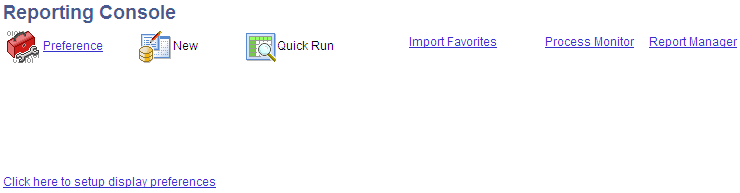
The Reporting Console is set up for each individual user. The first time a user accesses the Reporting Console, a link is displayed to set up reporting preferences. The user can also change preferences at any time using the Preference link.