Creating New Scopes
Access the PeopleSoft nVision Scope Definition dialog box by selecting from the nVision menu.
This example illustrates the fields and controls on the PeopleSoft nVision Scope Definition dialog box.
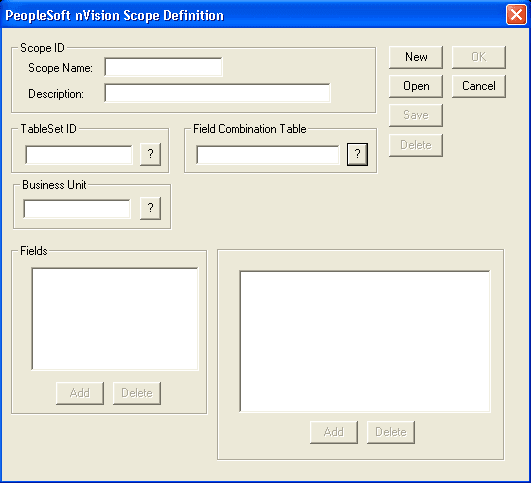
To define a new scope in PS/nVision:
-
Select from the nVision menu.
-
Click theNew button.
-
Enter a scope name and a description.
You may use up to 10 characters for the scope name and up to 30 characters for the scope description.
-
Enter the setID for this scope.
-
If you are defining your scope using business unit keyed trees, enter the business unit.
-
If you are using multiple scope fields, enter the appropriate tables in the Field Combination Table field.
-
Add fields to the scope definition by clicking the Add button.
The PeopleSoft nVision Scope Field dialog box appears.