Implementing PS/nVision Query-Based Data Security
PeopleSoft Query restricts users to specific rows of data by employing a similar approach to the ledger Reporting view. Each record definition can have a query security record defined that joins the record data with authorization record data to restrict the returned result set.
Navigation:
-
Select
-
Open the record on which you want to apply row-level security.
-
Select
-
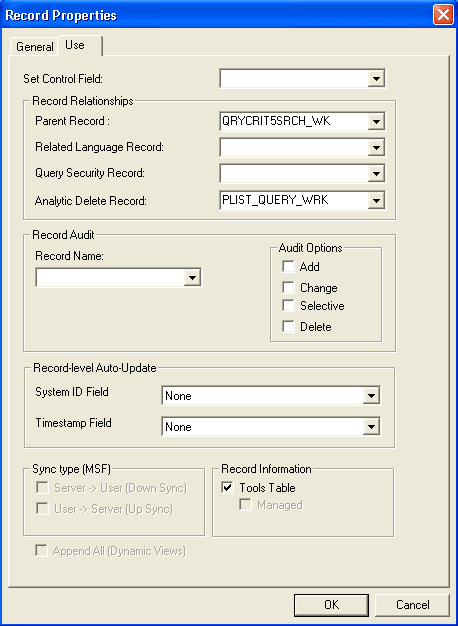
Select the Use tab from the Record Properties dialog box.
This example illustrates the fields and controls on the Record Properties – Use dialog box.