Editing the Having Criteria Properties
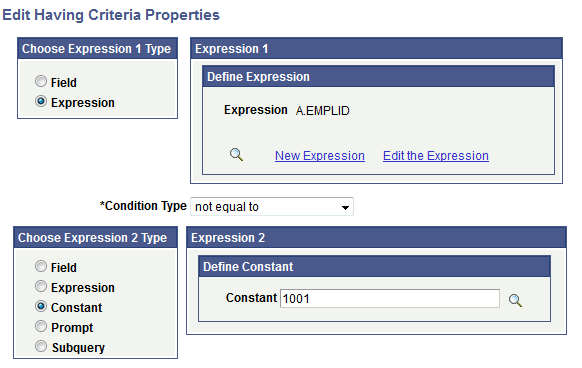
Use the Edit Having Criteria Properties (QRY_CRITERIA_SEC) page to add or edit the having criteria properties.
Navigation:
-
Select
-
Add a new query or search for an existing one.
-
Access the Having page.
-
Click the Add Having Criteria button or the Edit button on the Having page.
This example illustrates the fields and controls on the Edit Having Criteria Properties page.