Disabling Synonym Search for an Index
By default, synonym search is enabled. Synonym search is associated with an index.
Note:
If you choose not to enable synonym search for particular indexes, then during an upgrade your choice is honored, that is, these indexes are not automatically enabled.
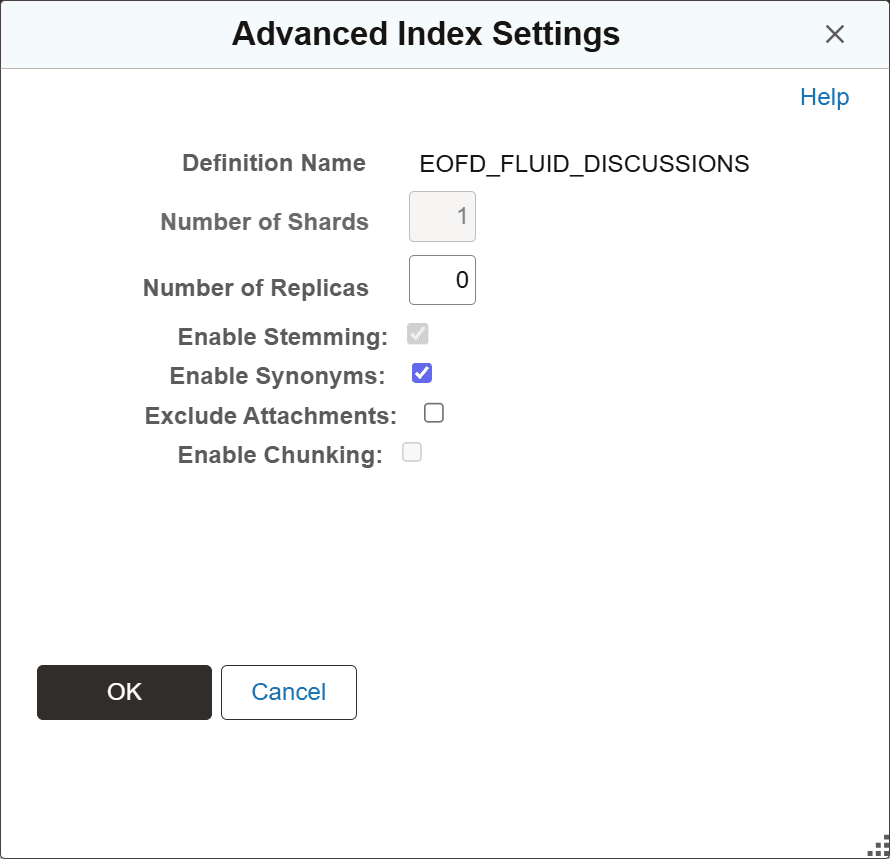
You use the Advanced Index Settings page to disable synonym search for an index.
Complete these steps to disable synonym search for an index:
-
Navigate to and from Administration in the left panel, choose Deploy/Delete Object.
-
On the Deploy Search Definition page, select the Index Settings link for the desired index.
-
On the Advanced Index Settings page, clear the Enable Synonyms check box, and select OK to save your setting.
This example illustrates the Advanced Index Settings page where you disable synonym search.